MAKE YOUR RESERVATION
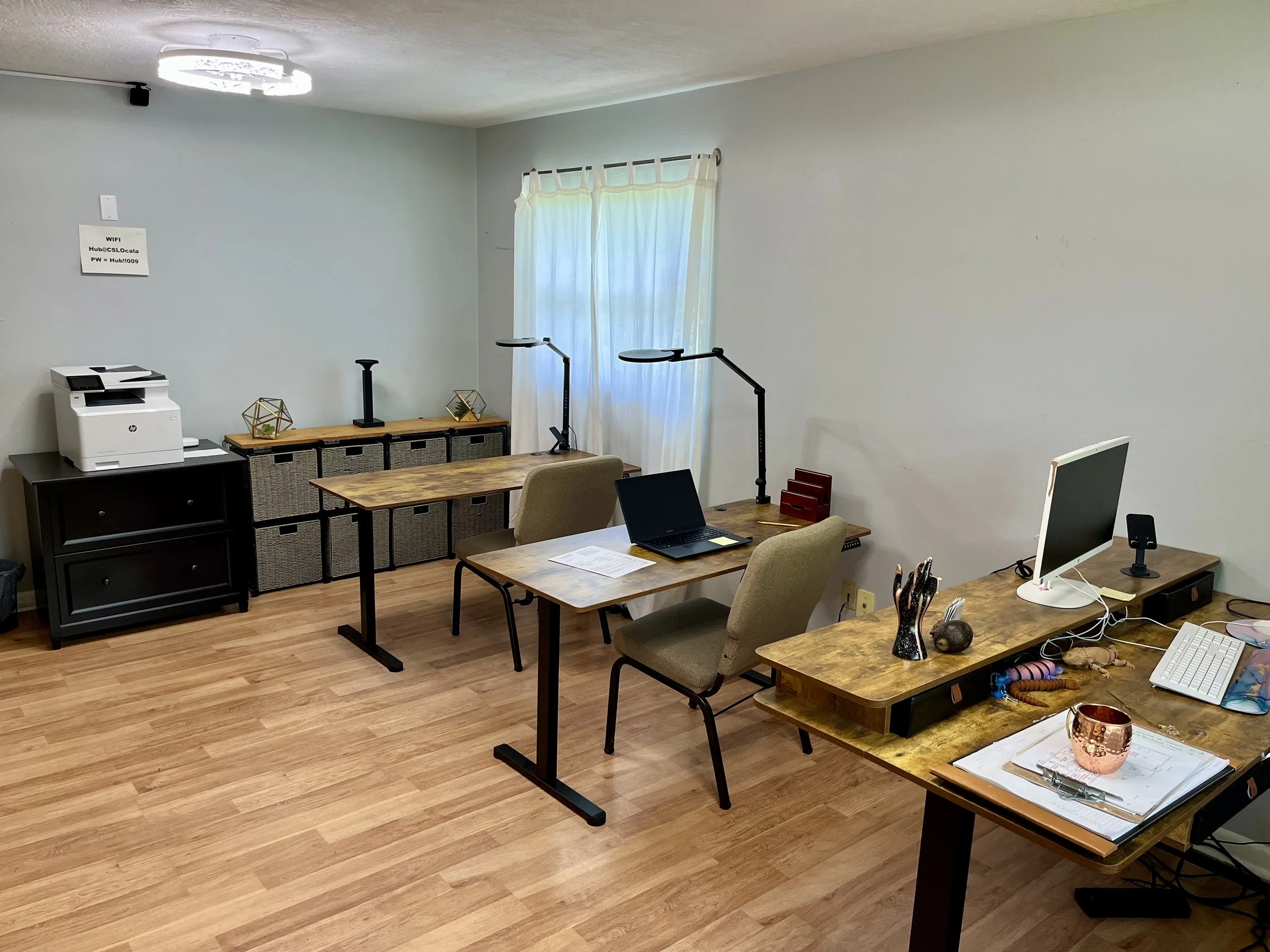
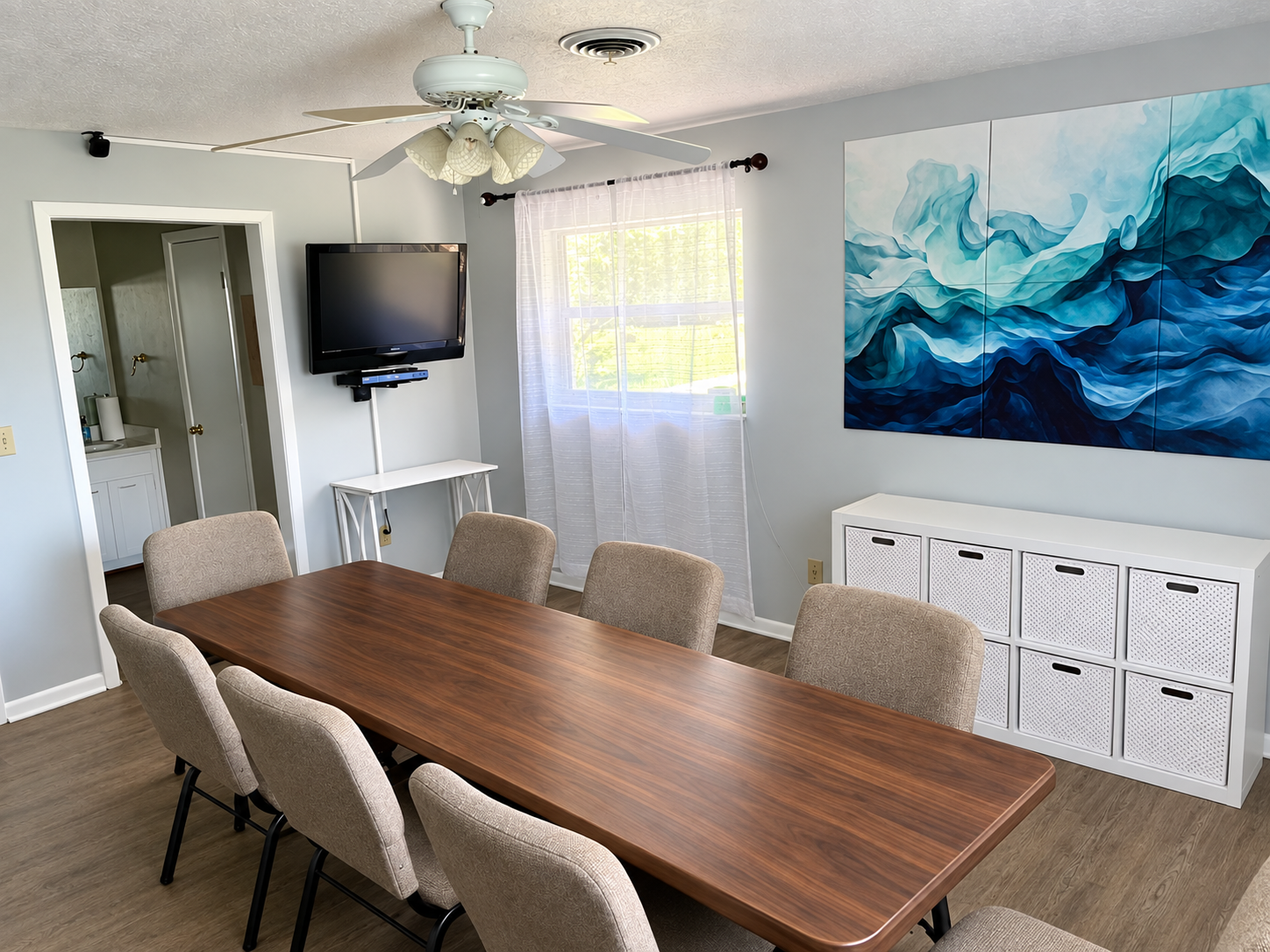
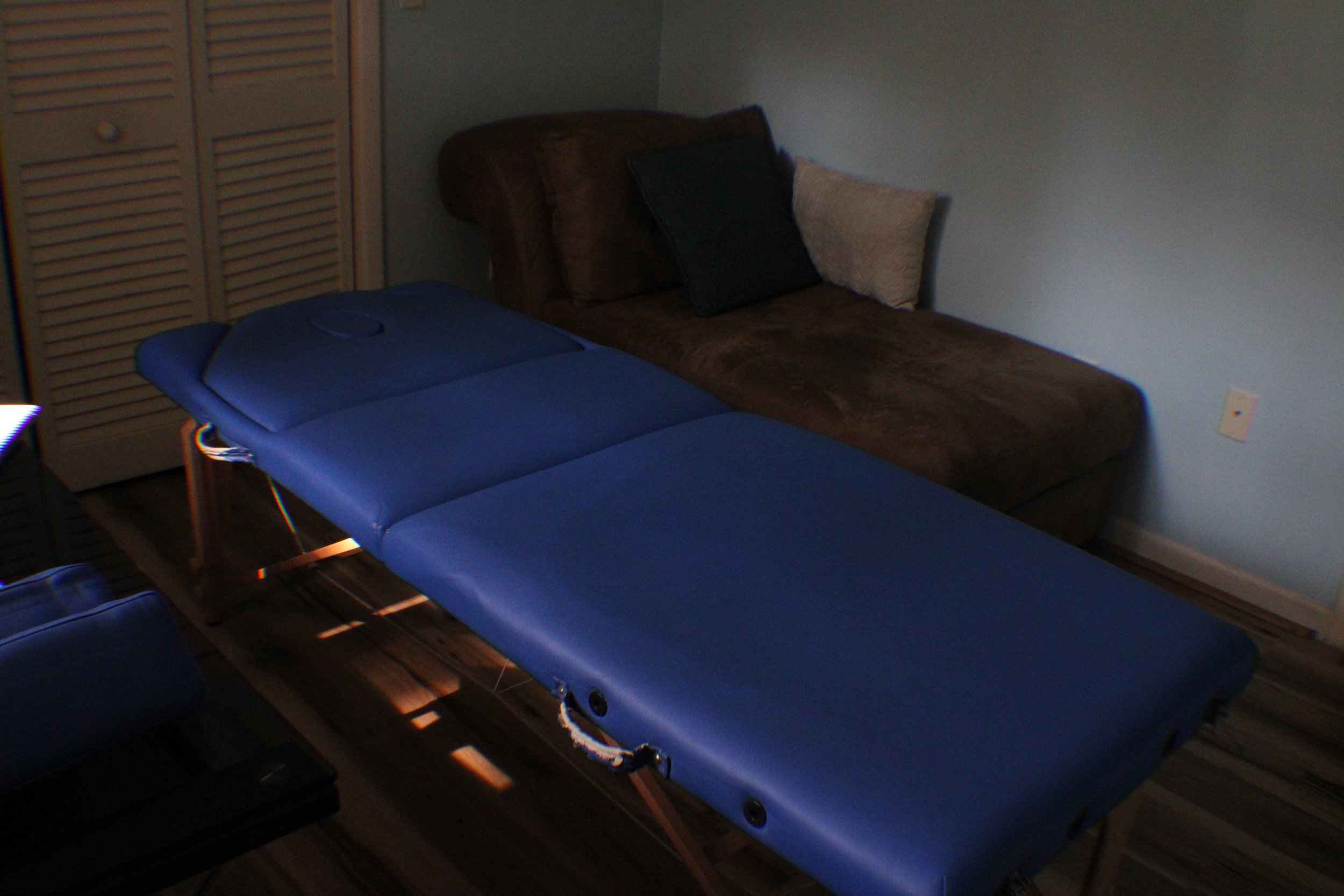
You may check existing reservations by going to the “View Reservations Calendar”. Then you can reserve you collaborative workspace by room, desk if applicable, then choosing your preferred block of time in one hour, four hour, or in some cases 5 day increments, next select the day/date on the calendar and finally the time you wish to start. Be sure to fill in your Details (name, email, phone number, etc.)
NOTE: If you reservation overlaps with an existing reservation, it will give an error and not book it. Choose another room/desk, date or time.